Introduction:
We generally store creds in diff ways such as using environment vars, storing them in a file and referring the file in the application (DB connection for example). However they are still stored in plaintext which we can easily peek thru. Also incase a bad actor gains access to the OS, can get all the sensitive information.
By using any kind of secret providers, we have better security with encryption, key rotation etc. AWS secrets manager is one such option and integrates well with AWS provided services such as RDS.
Setup:
In this example, we are going to use python to retrieve and use the creds programmatically. So make sure to install aws cli and configure your creds.
Setup on AWS:
→ Ensure to have an IAM user with CLI access, Access keys and add secrets manager specific policies such as “GetSecretValue” and “KMS Decrypt” in case you are using a diff kms key than the default one.
Note: For the resource, instead of using *, you can use the arn of the particular secret to have even granular access.
{
    "Version": "2012-10-17",
    "Statement": [        {
            "Effect": "Allow",
            "Action": [                "secretsmanager:GetSecretValue",
                "secretsmanager:DescribeSecret",
                "secretsmanager:ListSecrets",
                "kms:Decrypt",
                "kms:DescribeKey"
            ],
            "Resource": "*"
        }
    ]
}
→ Search for secrets manager, store a new secret and you can choose what kind of secret you want to store based on what service you are going to use it for. I’m going to use others.
Add the creds and key:value pair. These keys will be used to retrieve the data.
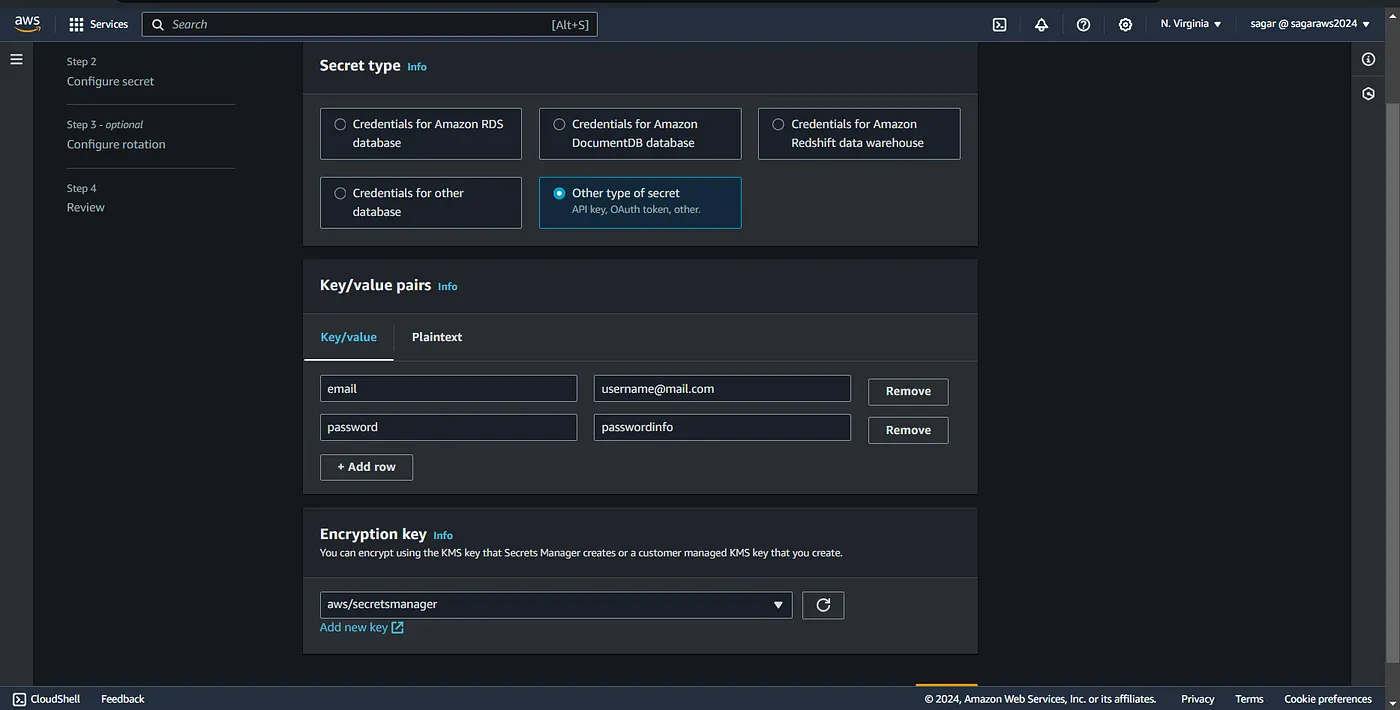
For the encryption key, you can leave it as, or use your own kms key if you have one.
On the next page define a name for the secrets, description and proceed to the next page where you can define rotation if you want.

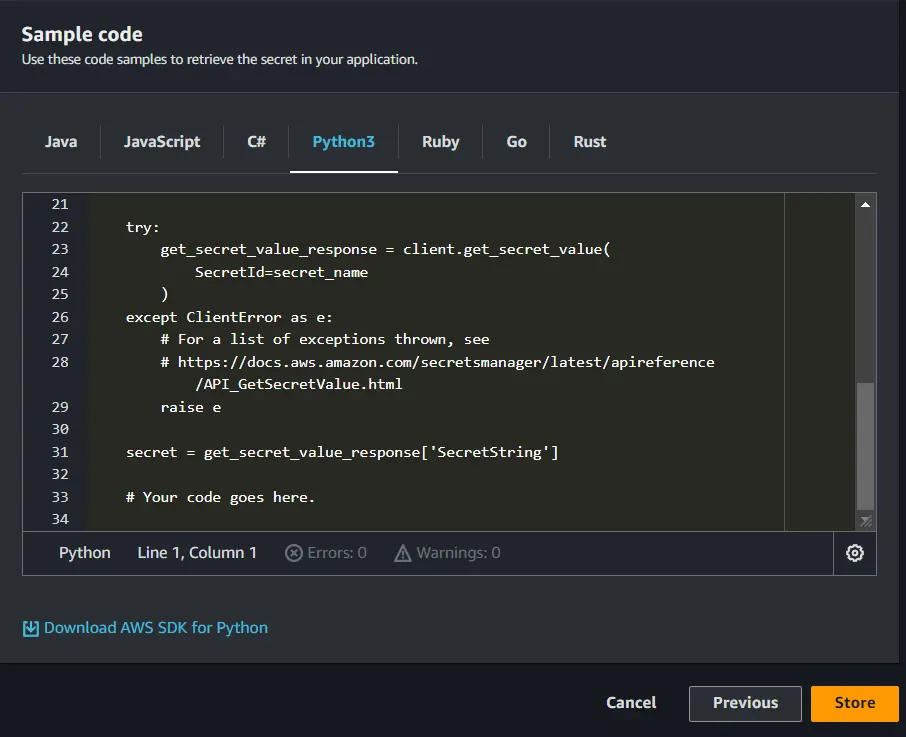
Then review the settings and save. This also provides you samples in diff languages to retrieve the secrets.
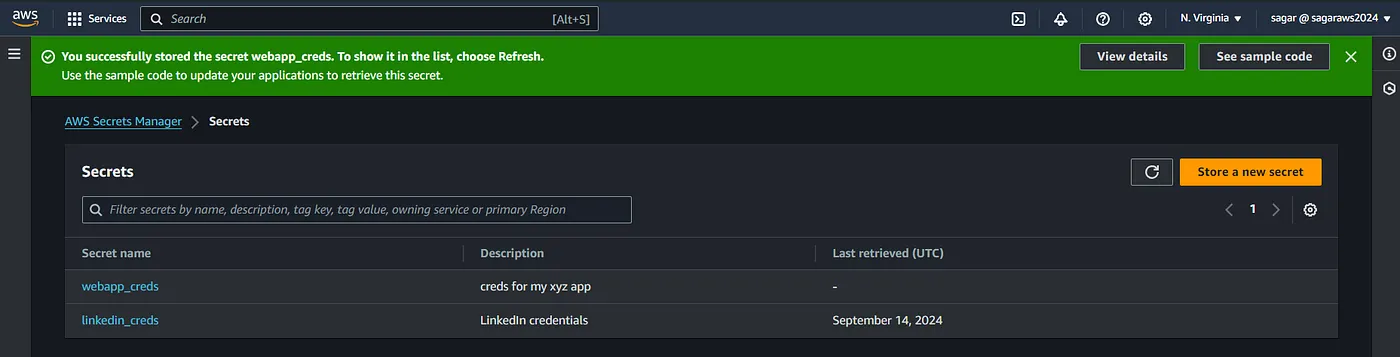
You can view, modify and delete the secrets from the dashboard.
Python Application:
We have our creds on aws. Now to use this in our python app, we need to have boto3 module. Also I m going to use selenium for automating the login process.
--> pip install boto3 selenium
--> pip list (verify the modules installed)
Download web driver for the browser you are using. The web driver for Firefox is gecko. mozilla/geckodriver
App code:
Run the python app with “python app_name.py”

The end!! Thanks for reading.
Read More on AWS: