
What is CrowdSec:
CrowdSec is an open-source security tool designed to help protect servers and applications from cyberattacks. It works by analyzing logs from your systems to detect suspicious activity, such as brute-force attempts, and then takes action to block or prevent those threats.
CS’s uniqueness is its “crowd-powered” approach. When it detects a potential threat on one system, it shares that information with a global community of other users. This way, everyone using CrowdSec benefits from the collective knowledge of cyberattacks happening around the world, making it more effective at spotting and stopping threats.
Setup on Linux:
⚠️Note: Experimental, cloud provides might ban you for doing this? Proceed with caution. ⚠️
Download and install on your server following the official docs.
Before getting started it is advised to read the prerequisites page to understand the requirements for running…
You can either run the script
Note: Before running any script make sure to check the content.
curl -s https://install.crowdsec.net | sudo sh
Or run the commands manfully to add repo and then install crowdsec.
sudo apt install crowdsec
Collections :
In CS, collections are bundles or sets of pre-configured security rules, parsers, and scenarios designed for specific use cases or environments. They help simplify the setup process by providing a curated combination of resources that fit particular needs. examples are sshd, nginx and various other apps or services.
Since I have nginx and open ssh installed, CS installs the related collections automatically.
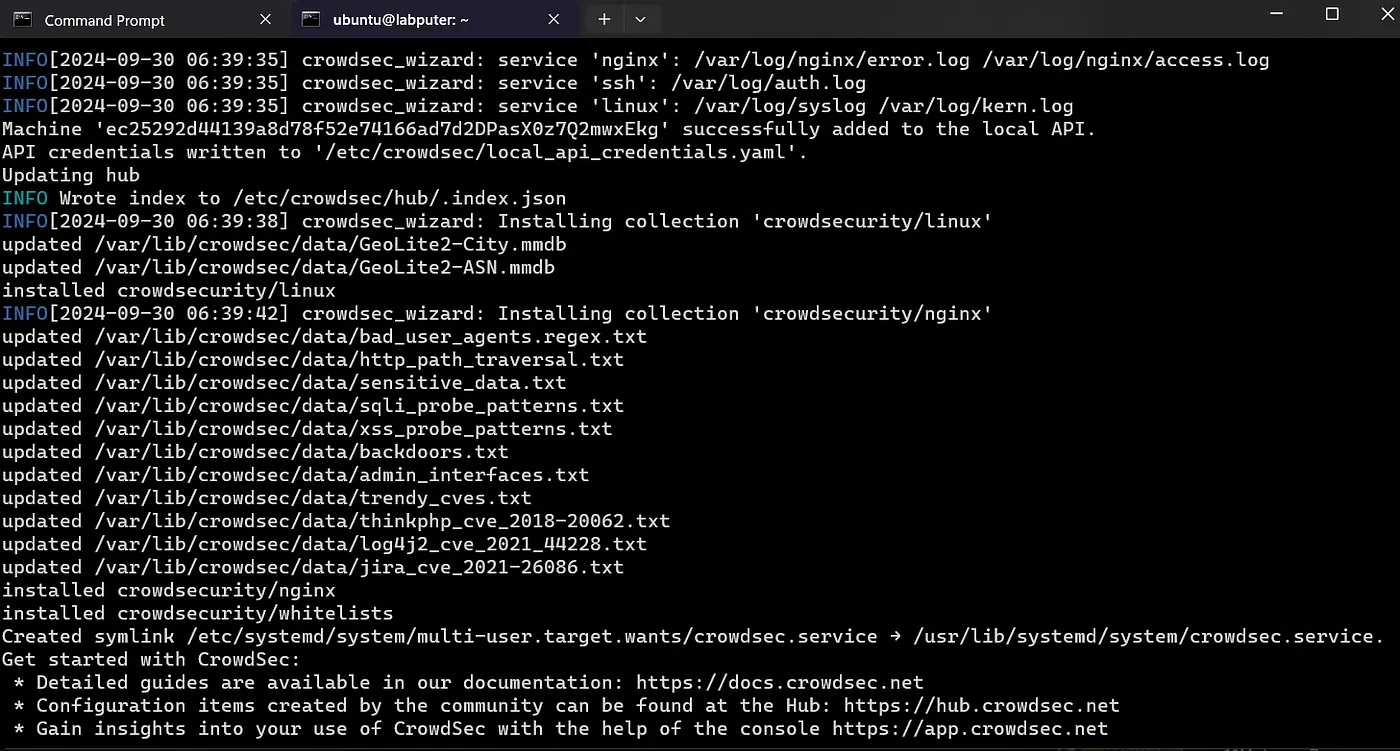
To view the list the collections enabled.
sudo cscli hub list

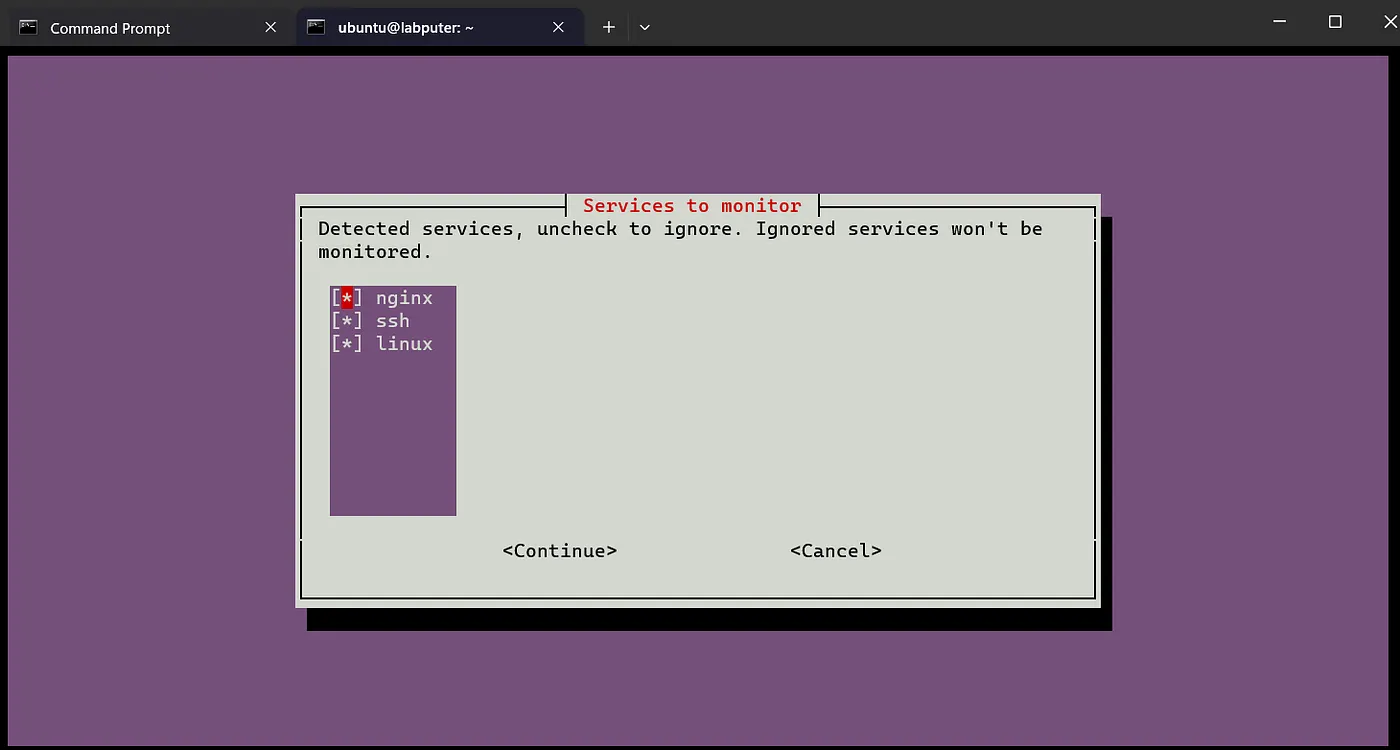
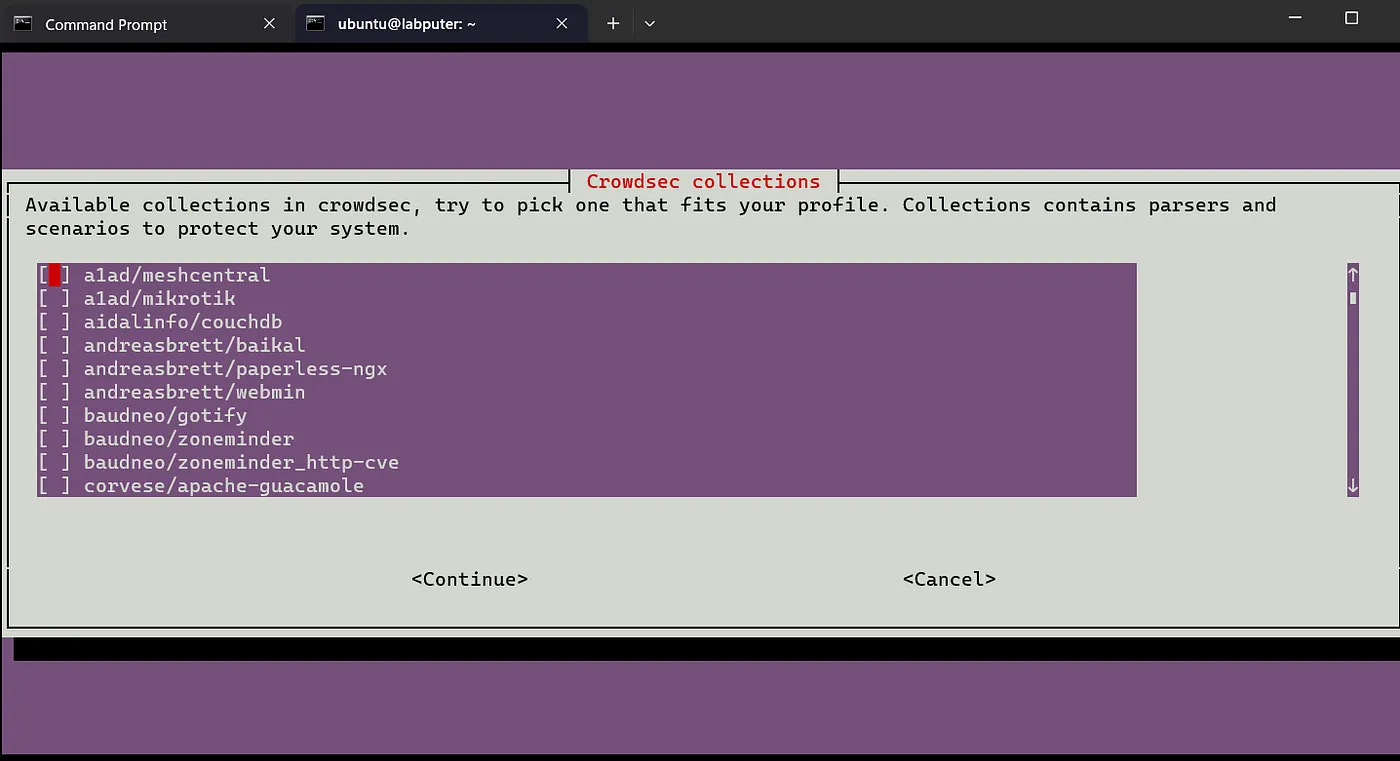
If you want to enable more manually, you can run the cs wizard and select from the list.
sudo /usr/share/crowdsec/wizard.sh -c
This shows the collections in use. Continue to add more or cancel.
Remediation components:
Remediation components are tools or mechanisms used to mitigate or respond to threats once they are detected. These components take action against malicious actors or suspicious activities to protect our systems.
CS is the detection engine that identifies threats, and remediation components enforce the actions that reduce or eliminate those threats.
Bouncers take action as decision to perform certain activities. In this example lets install cs-firewall-bouncer.
sudo apt install crowdsec-firewall-bouncer crowdsec-firewall-bouncer-nftables
Alright, the setup is ready and now we can test the effectiveness. Now create another instance (test).
The Brute force attempt:
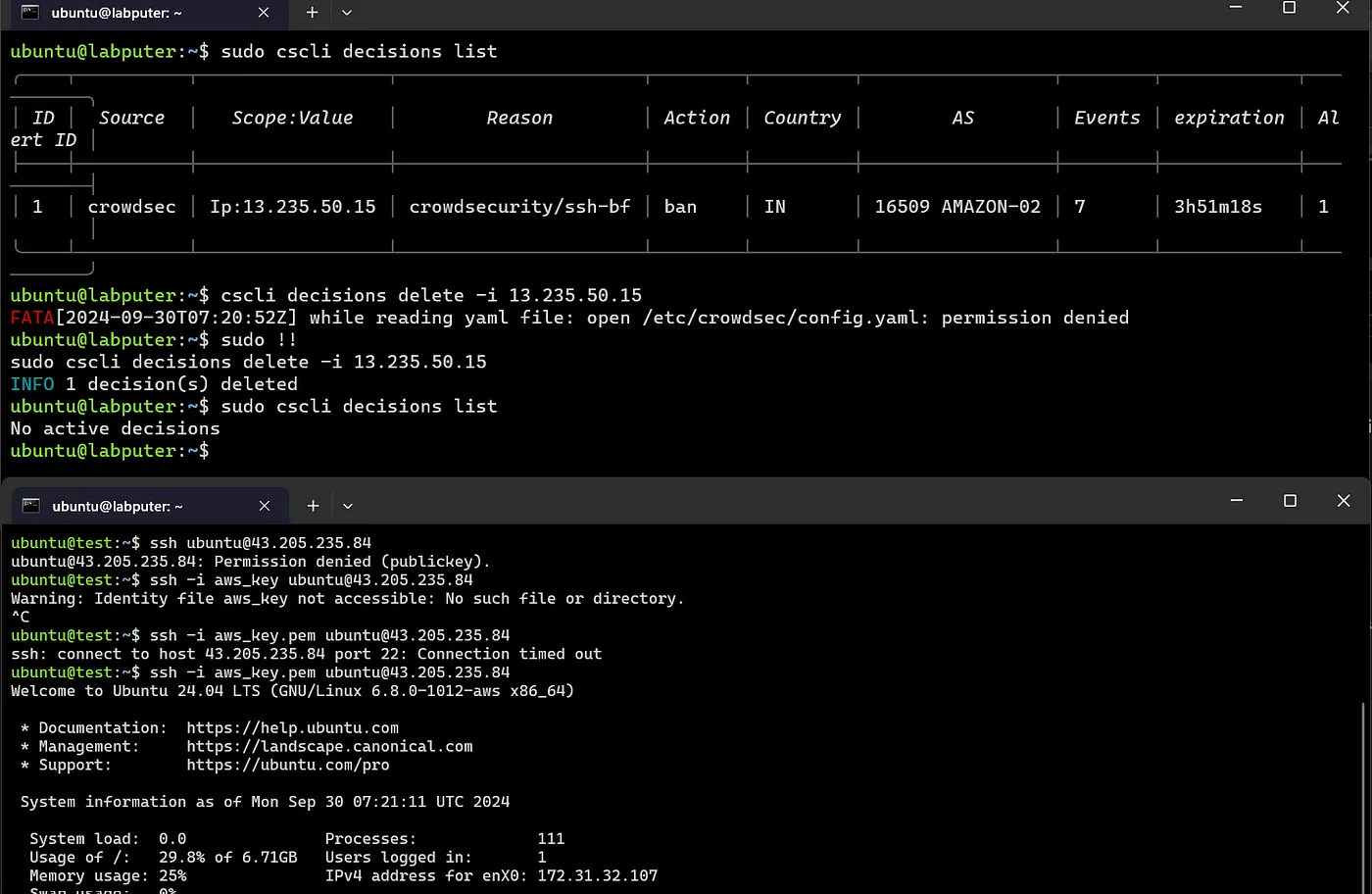
→ From the test instance try to ssh to the labputer (machine with CS installed). Use your SSH key or password and you should be good to go.
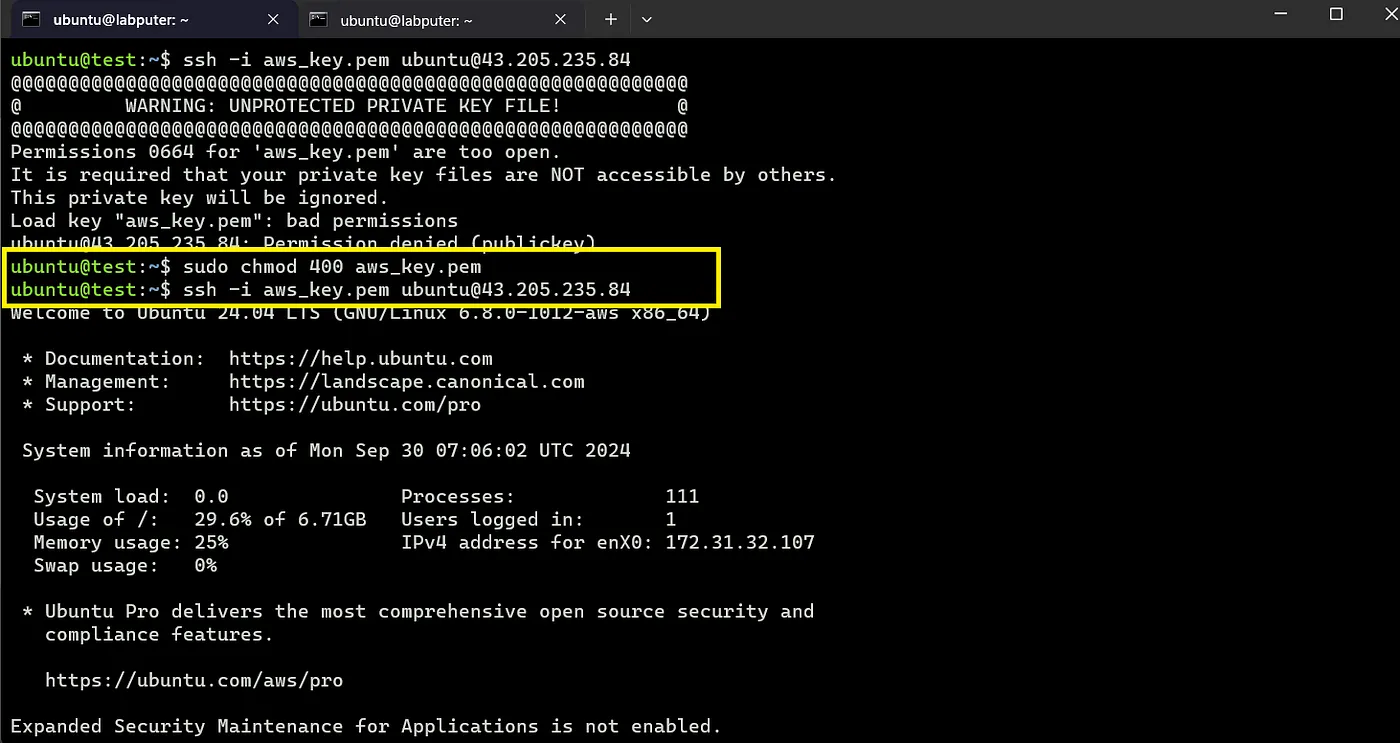
Before next steps, view the current decision list on the cs server.
sudo cscli decision list
→ Exit the connection and try again with wrong pw, without the key or a diff key. Repeat this a few times, and boom you are now blocked 😂.

We see the Ip of the test machine has been added to the list of ban, it also shows the reason being brute force attempt. Now even if you try to login with correct password or key, you won’t be able to.

If you want, you can unblock the IP again with cscli decisions delete command after which you will be able to login.
sudo cscli decisions delete -i <ip>
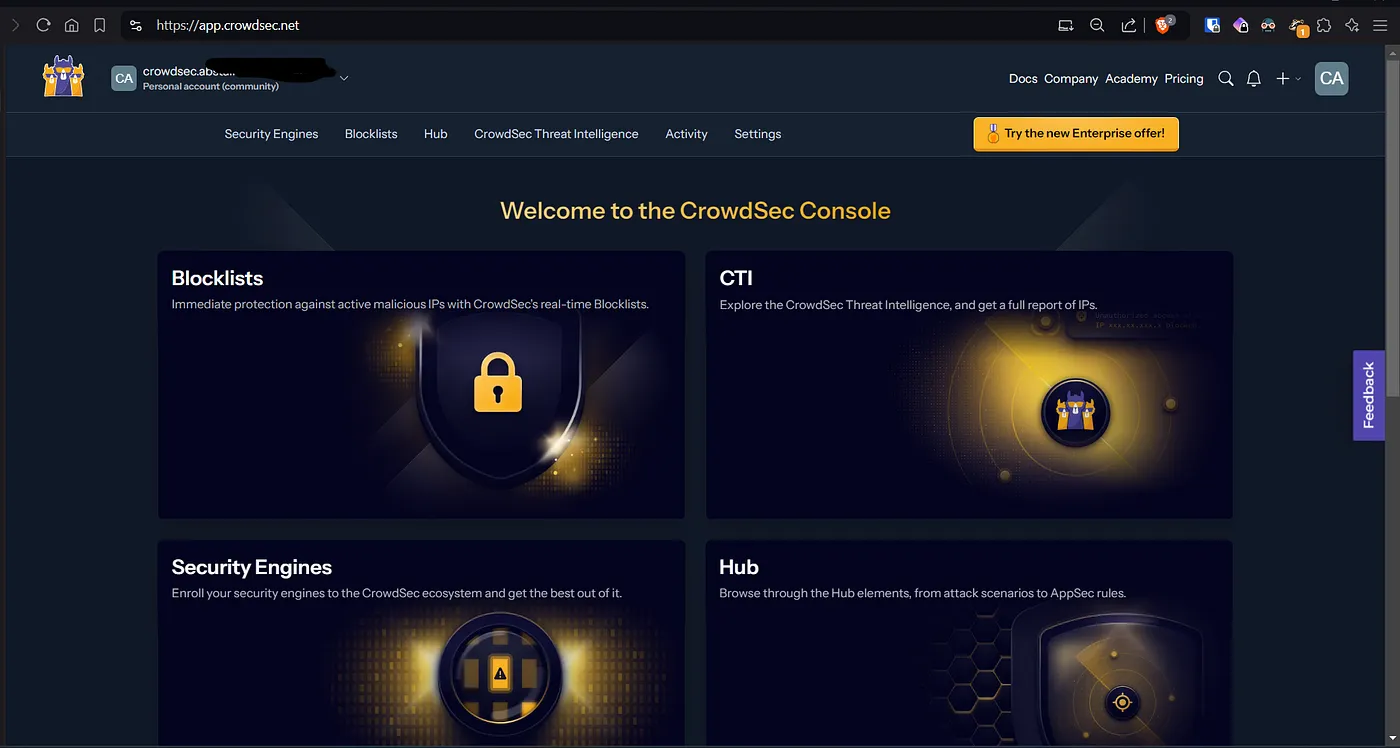
Dashboard/Web Console:
You can view these details via a neat and tidy web ui. Sign up at app.crowdsec.net.
From the Security Engine page you will see an option to enroll your engine to be available on the Dashboard.
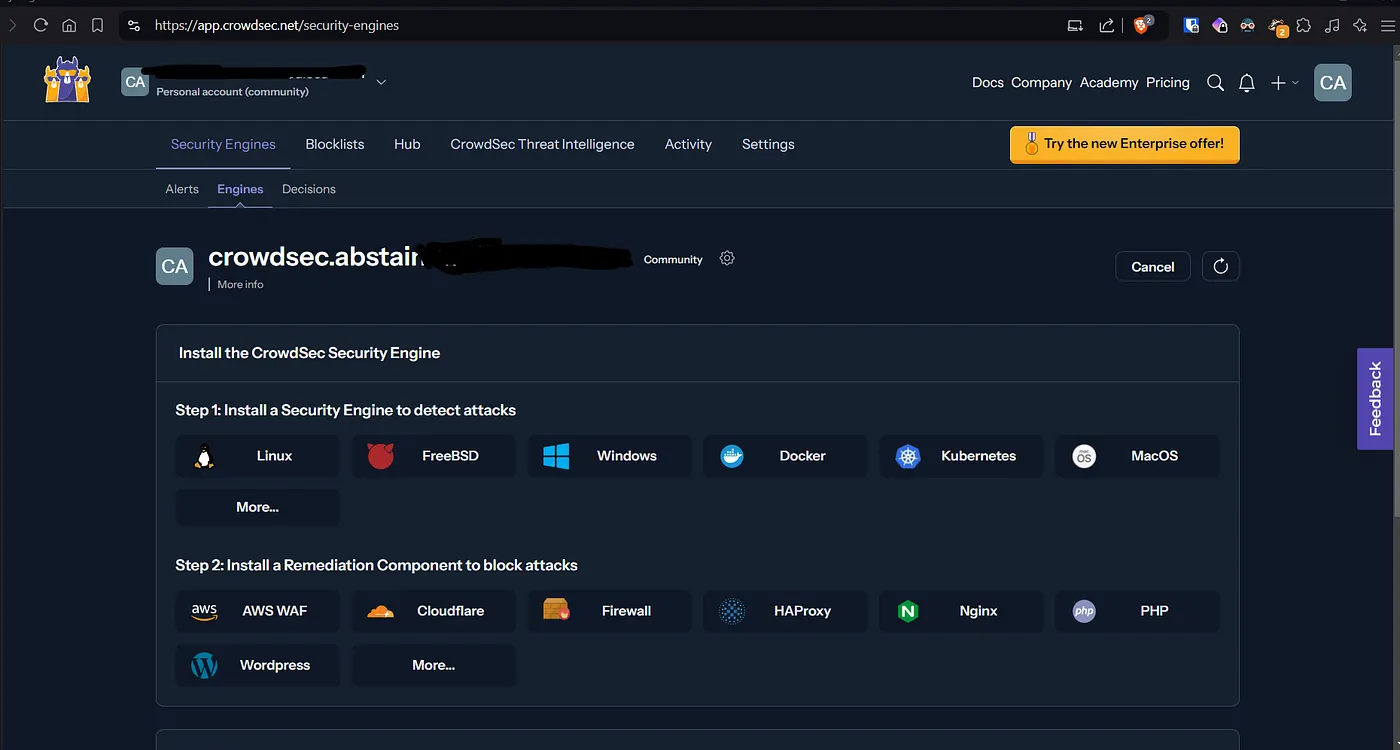
To enroll, you will get the cmd from the bottom part of the same page.
sudo cscli console enroll -e context <id>
Copy and paste in your server with CS. Then you will have a promt to accept or deny the request on the dashboard.
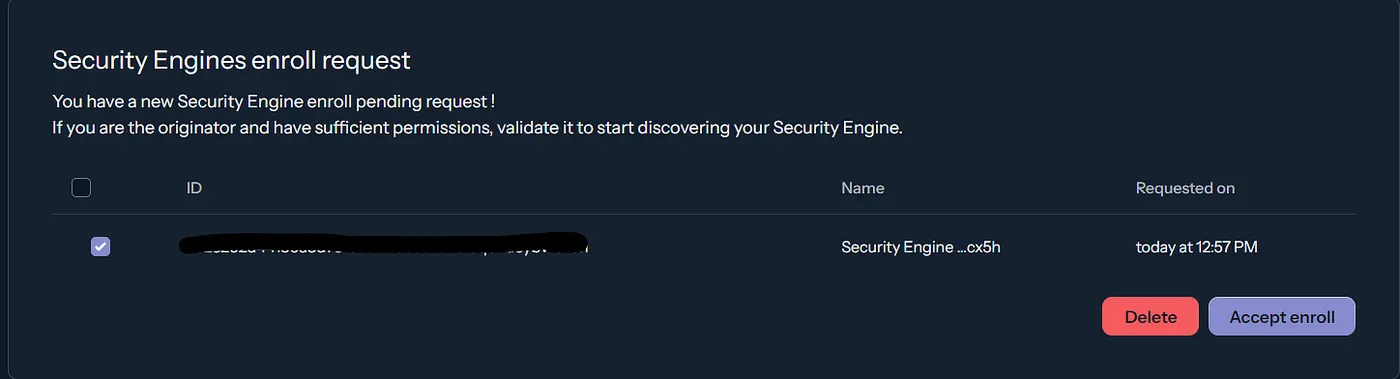
After enrolling, you need to restart crowdesc to have the engine reporting to the dash.
Now we can view engines, alerts, the remediation components, decision etc on the dash.
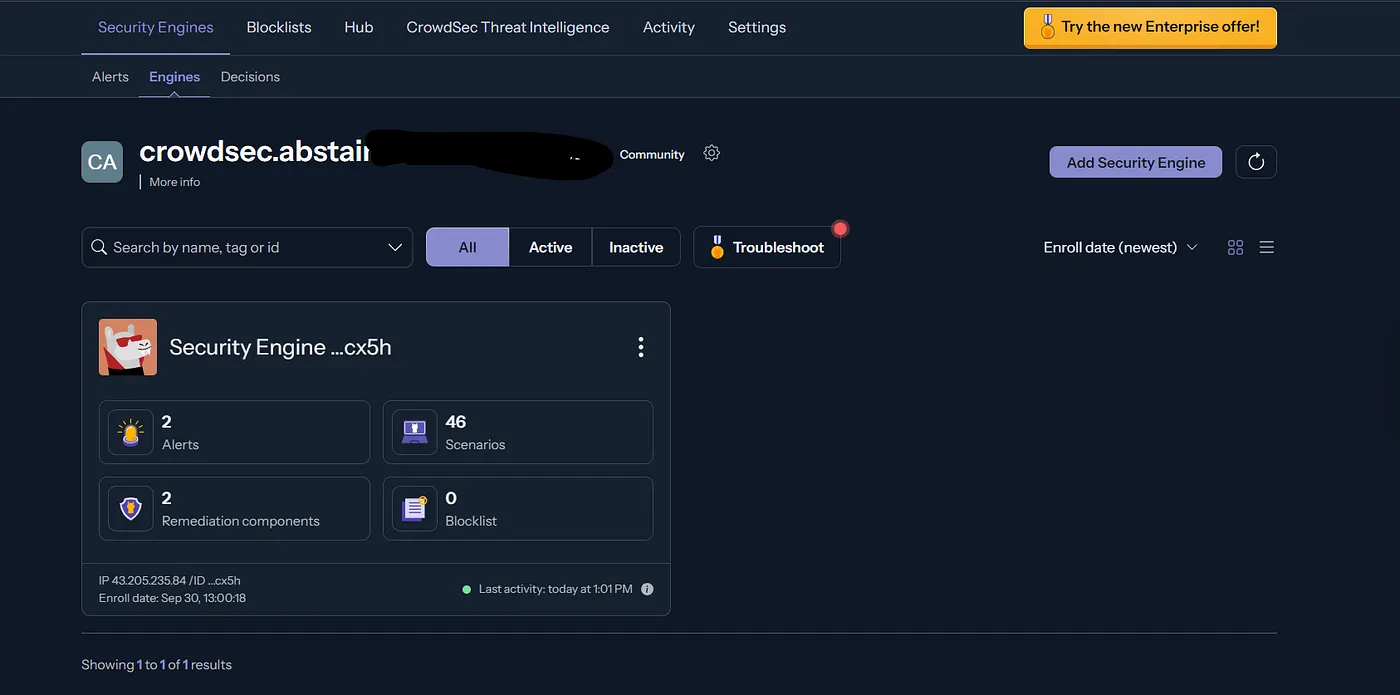
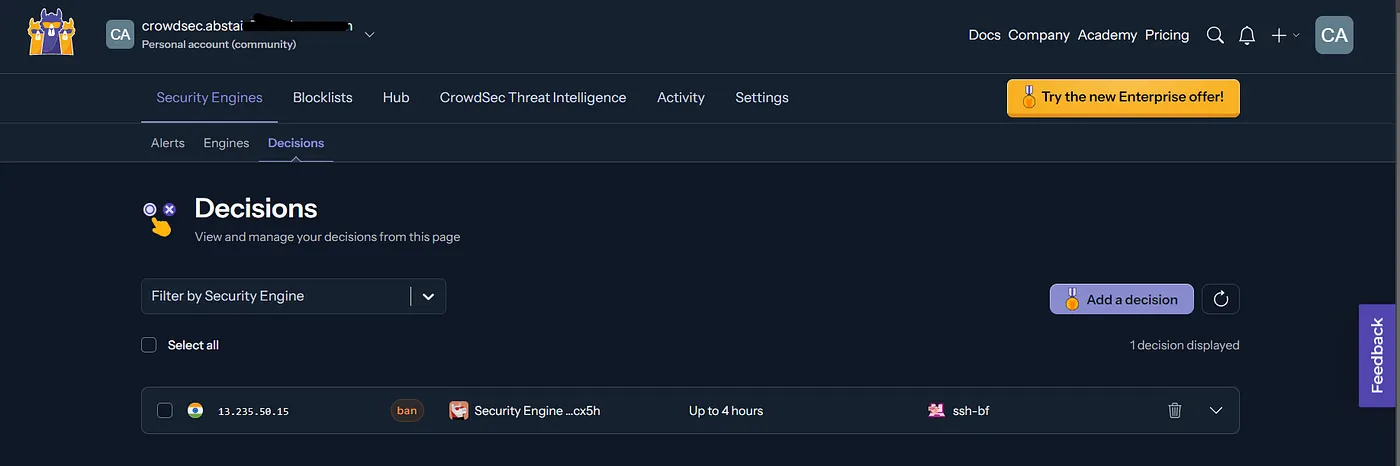
Note:1. You can install and setup CS by following the visual guide from the console.
- Actions via the dashboard might require a paid plan.
Wrap up:
That’s all about it. Explore further on blocklists, collections and the dashboard. Be cautious about doing this experiment as you might get blocked by cloud providers (not sure yet). And delete your instances (if any) once you are done with the experiment.