Preface:
In the previous article we saw how to use nginx ingress for routing. Today we will experiment with adding domain to our app and will also use TLS cert for the domain.
Getting started:
A valid domain is required for this experiment.
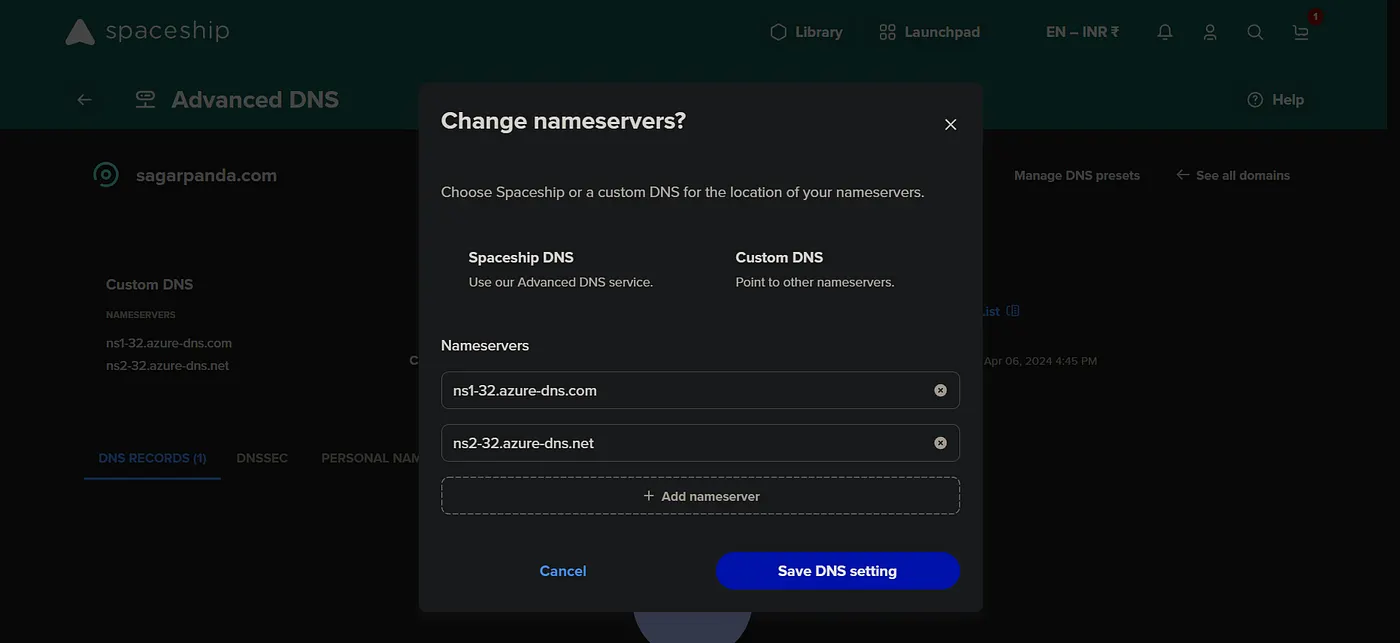
If you have domain outside of azure, then add the name server from azure.
Create dns zone. Change the name server in the providers dns management section to be able to manage dns records from azure itself.
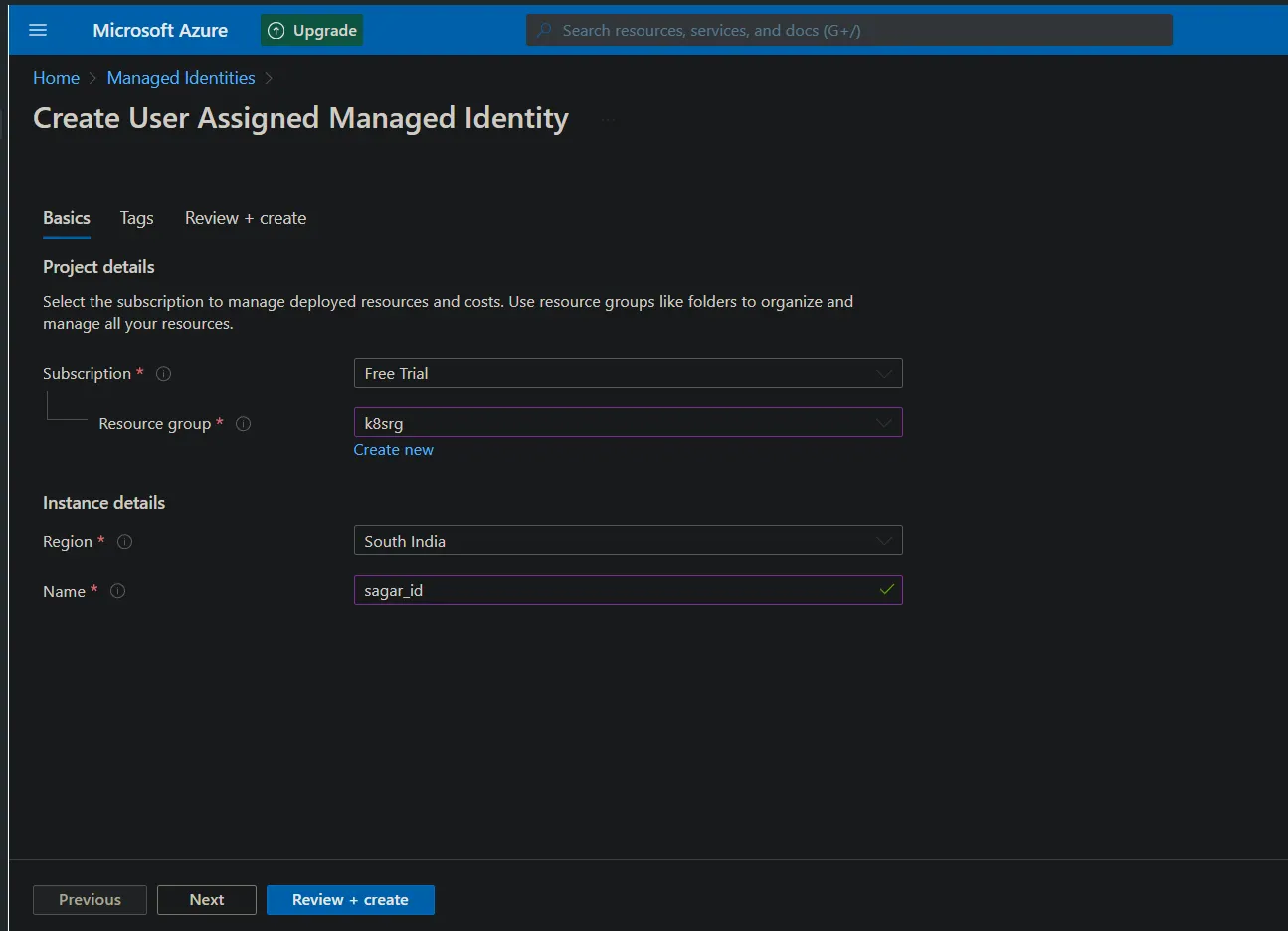
Now create a managed identity(You can use even service principals).
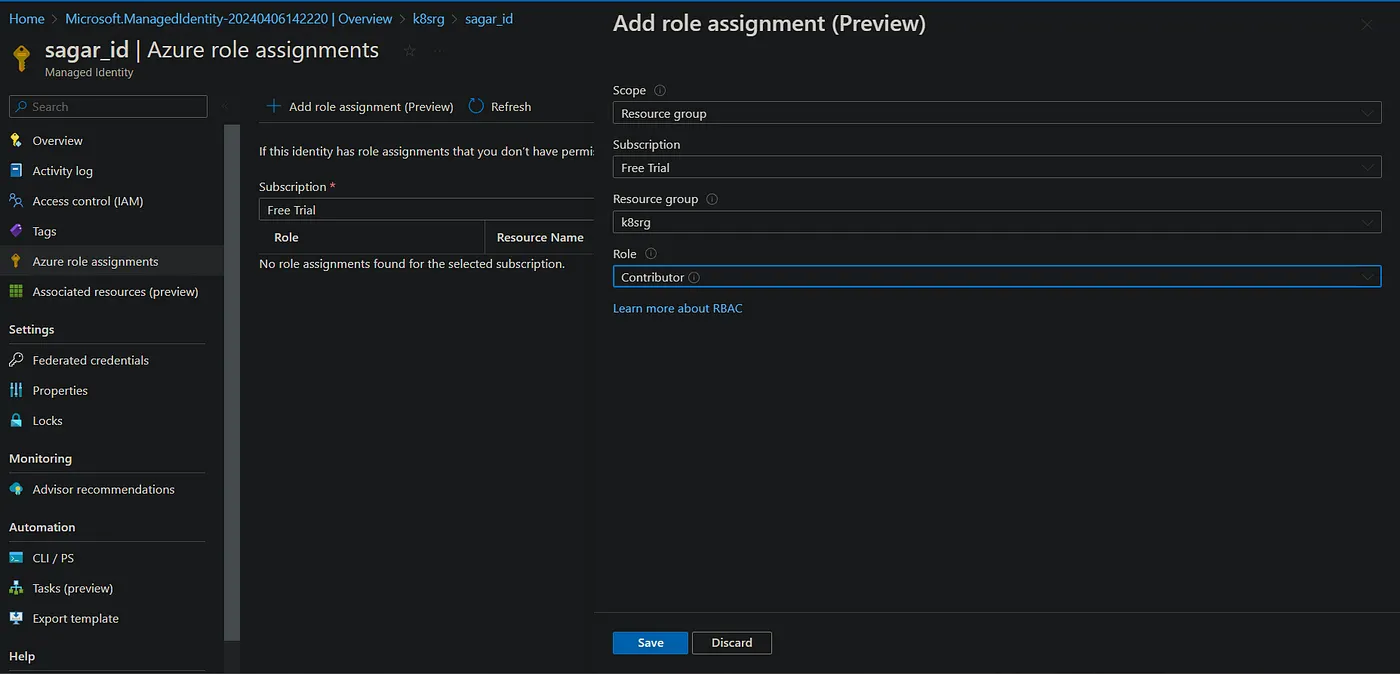
Assign contributor role to the identity.
Add any external dns. Update the json with azure ac details.
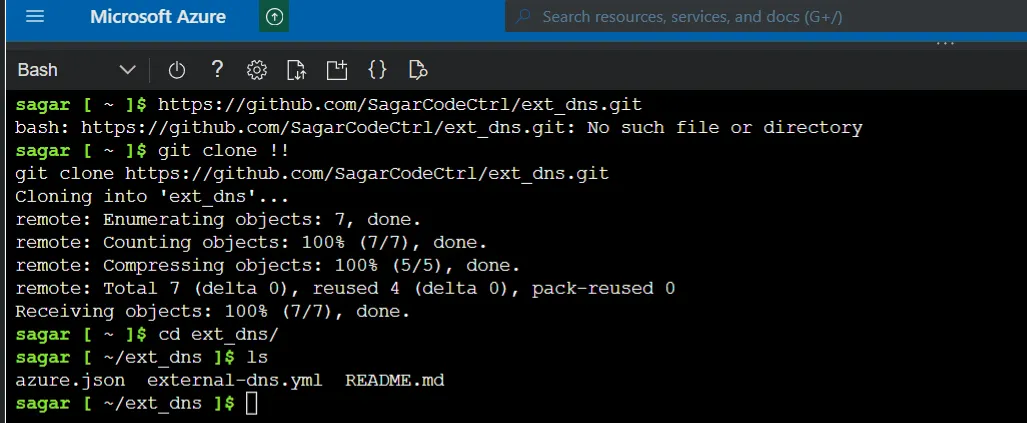
Add the identity to vm scale set.
Create secret based on the azure.json and apply the external dns yaml. The yaml uses this secret.

And apply the external dns.
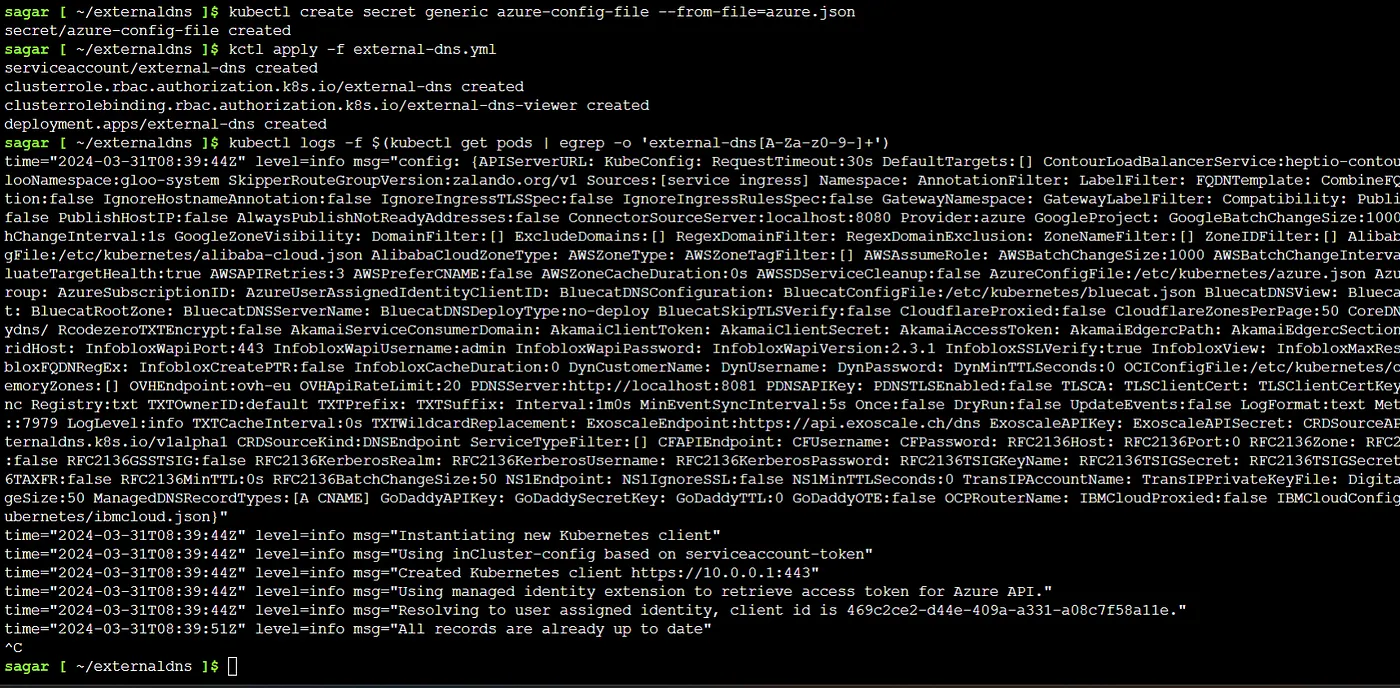
Now apply the ingress resource.
kctl apply -f named_ingress.yml
apiVersion: networking.k8s.io/v1
kind: Ingress
metadata:
 name: host-ingress
 annotations:
  kubernetes.io/ingress.class: nginx
spec:
 ingressClassName: nginx
 rules:
 - host: hotel.sagarpanda.com
   http:
    paths:
    - path: /
      pathType: Exact
      backend:
       service:
         name: hotel
         port:
          number: 80

 - host: coffee.sagarpanda.com
   http:
    paths:
    - path: /
      pathType: Exact
      backend:
       service:
         name: coffee
         port:
          number: 80
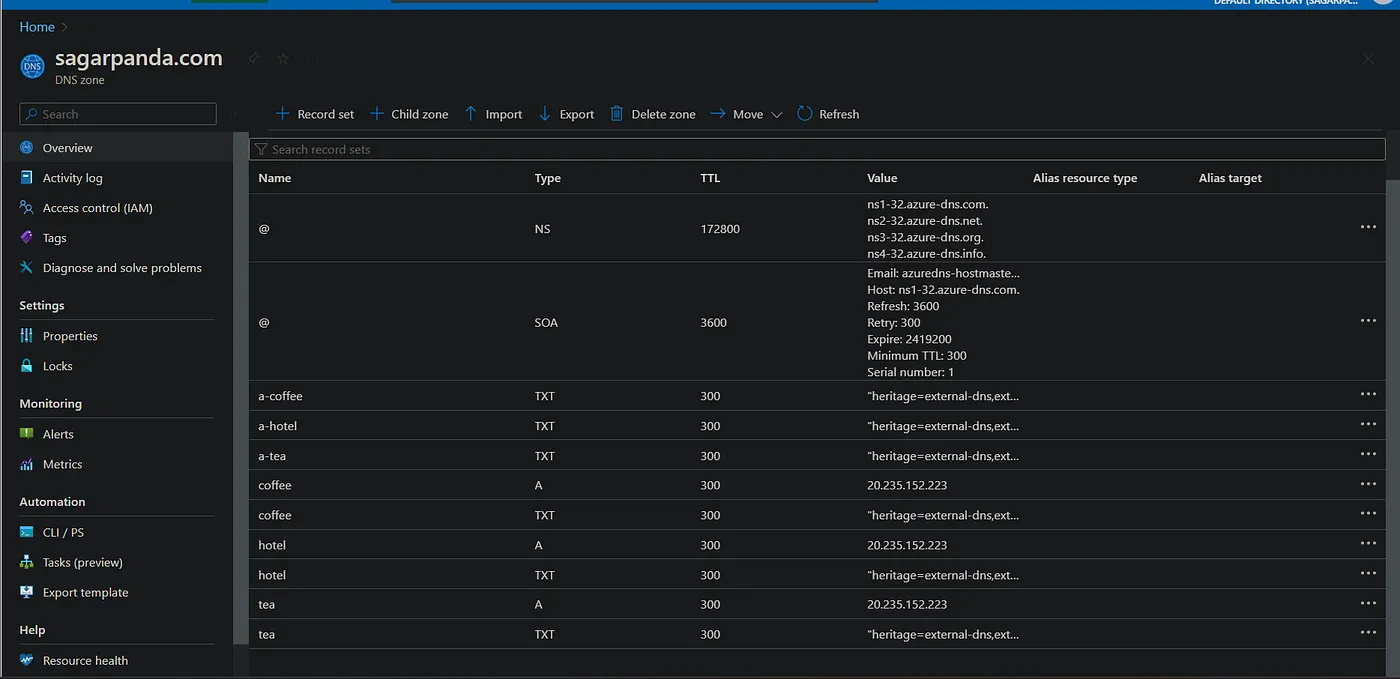
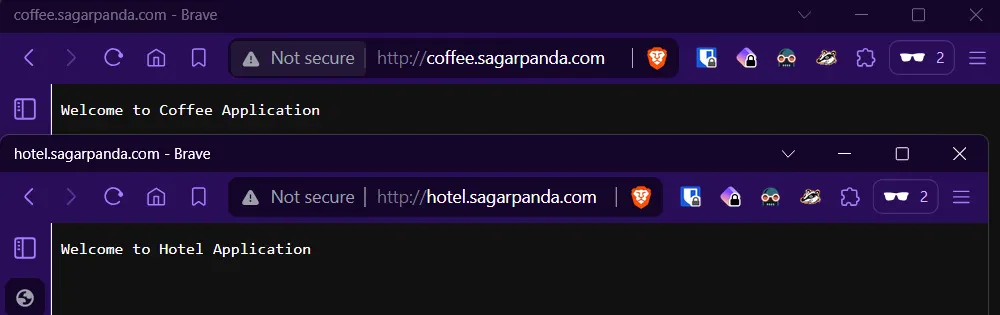
Once we do that, we can see dns records getting created automatically.
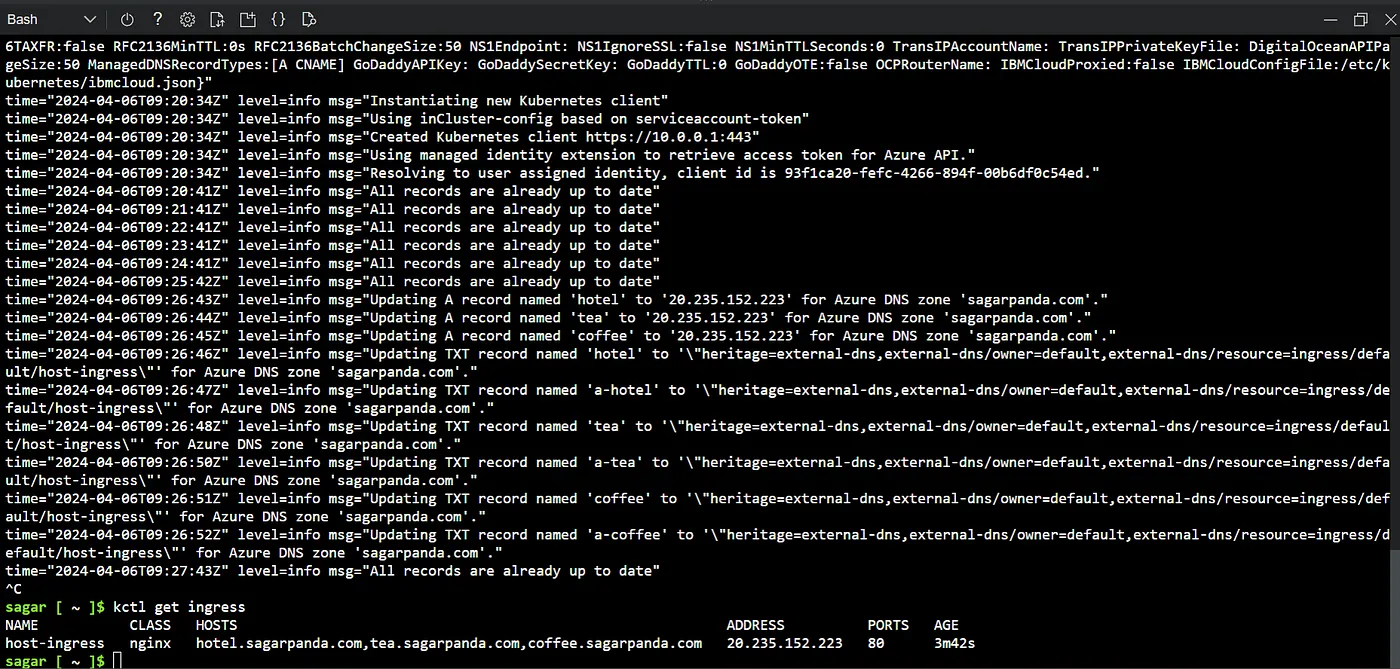
get ip of the ingress and browse.
kctl get ingress

There we go. Our ingress is working fine and routing works fine.
Adding TLS:
Now that our app is set and working fine, lets add ssl certificate.
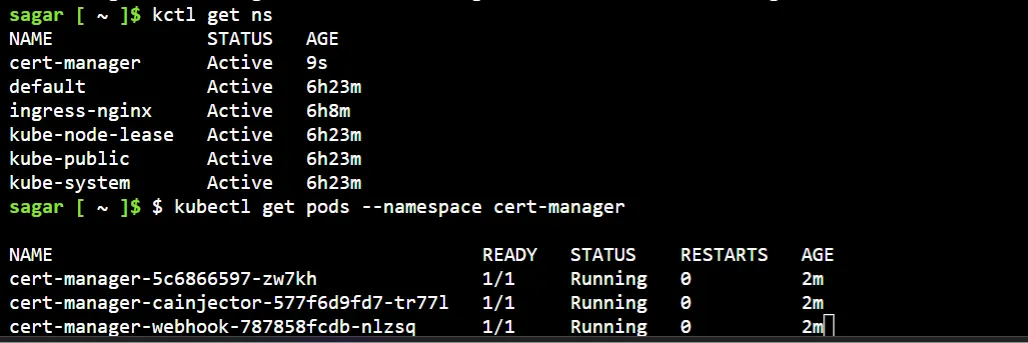
Note: Here I’m using lets encrypt cert. First we need to install the cert manager.
kubectl apply -f https://github.com/cert-manager/cert-manager/releases/download/v1.14.4/cert-manager.yaml
Create a certIssuer with cert provider details.
apiVersion: cert-manager.io/v1
kind: ClusterIssuer
metadata:
  name: letsencrypt-prod
spec:
  acme:
    server: https://acme-v02.api.letsencrypt.org/directory
    email: your-email@example.com  #use valid mail or it wont work
    privateKeySecretRef:
      name: letsencrypt-prod
    solvers:
    - http01:
        ingress:
          class: nginx
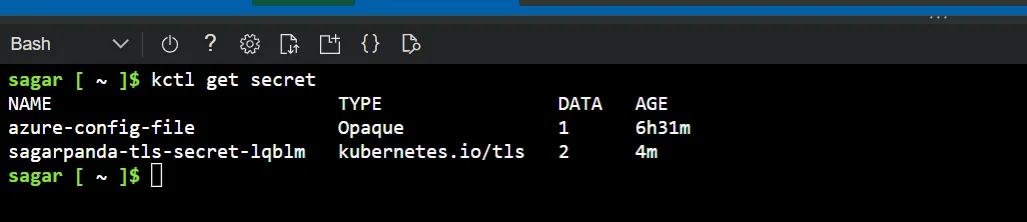
Get the secret created.
Update the ingress with the TLS details.
apiVersion: networking.k8s.io/v1
kind: Ingress
metadata:
  name: host-ingress
  annotations:
    kubernetes.io/ingress.class: nginx
    cert-manager.io/cluster-issuer: letsencrypt-prod
spec:
  ingressClassName: nginx
  rules:
  - host: hotel.sagarpanda.com
    http:
      paths:
      - path: /
        pathType: Prefix
        backend:
          service:
            name: hotel
            port:
              number: 80
  - host: coffee.sagarpanda.com
    http:
      paths:
      - path: /
        pathType: Prefix
        backend:
          service:
            name: coffee
            port:
              number: 80
  tls:
  - hosts:
    - hotel.sagarpanda.com
    - coffee.sagarpanda.com
    secretName: sagarpanda-tls-secret-lqblm
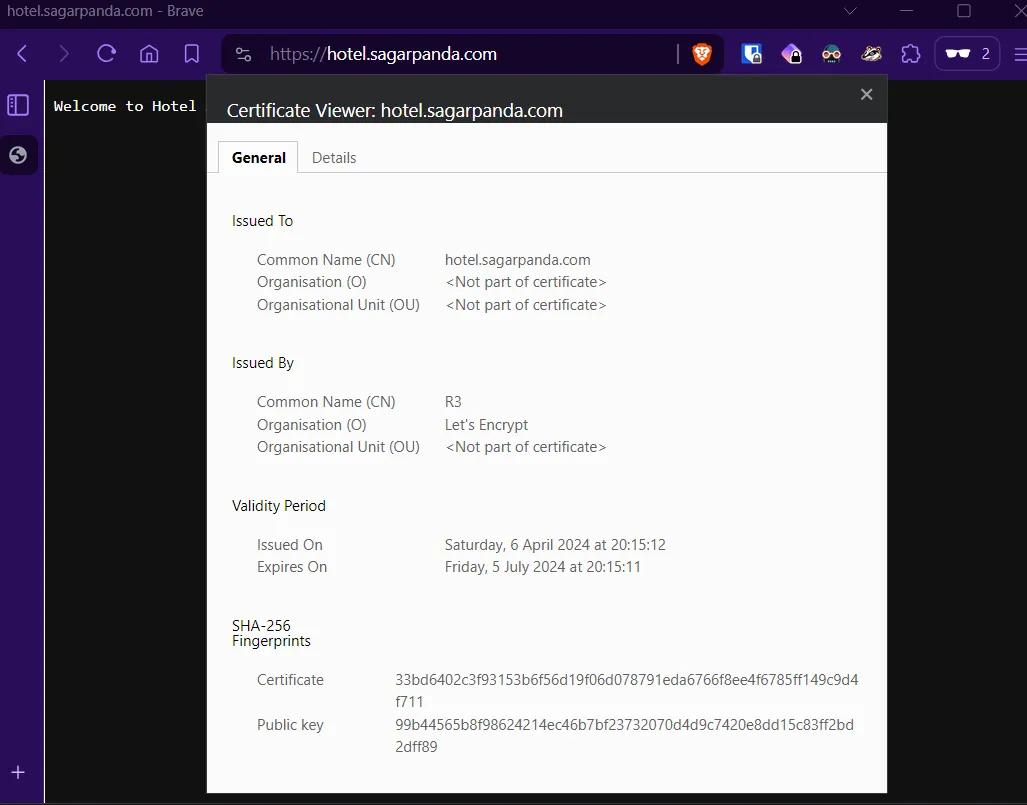
And finally, we have TLS cert.

View the cert details and validity.
Noice 😁
There you go. Our app running on k8s with nginx ingress using our own domain.
Read more on K8s: